Controller Cleaner
Clean up unneeded subassets from an animator controller.
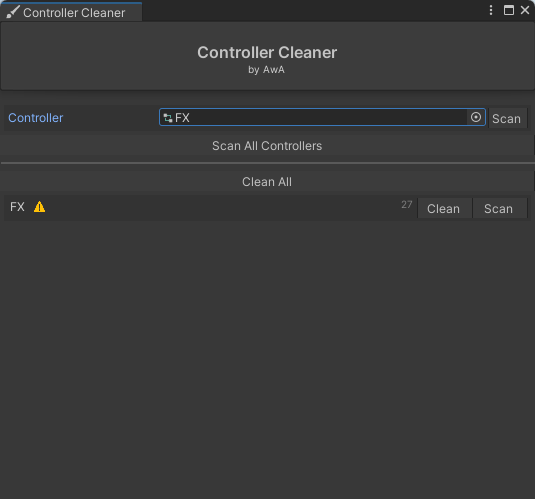
How to use
Caution
Always have a backup, I am not responsible for any broken animators.
- Select an animator controller by clicking on the circle on the right of the object-field
- Click
Scan - Click
Cleanif needed
Do all animators at once
Caution
It’s not recommended scanning and cleaning all animators. This will probably break some stuff. Only use it on the animators you made.
- Click the
Scan All Controllersbutton below the object-field - Either clean the ones you wish to clean, or clean them all by clicking
Clean All
Last updated on